Seven answers
about your money.
What you can spend, what needs you, where it went, bills, subscriptions, goals and credit. Unlike a bank app or a budget app, HiKit answers out loud and can ask your accountant the question for you.
The phone is the real app. Tap it and look around.
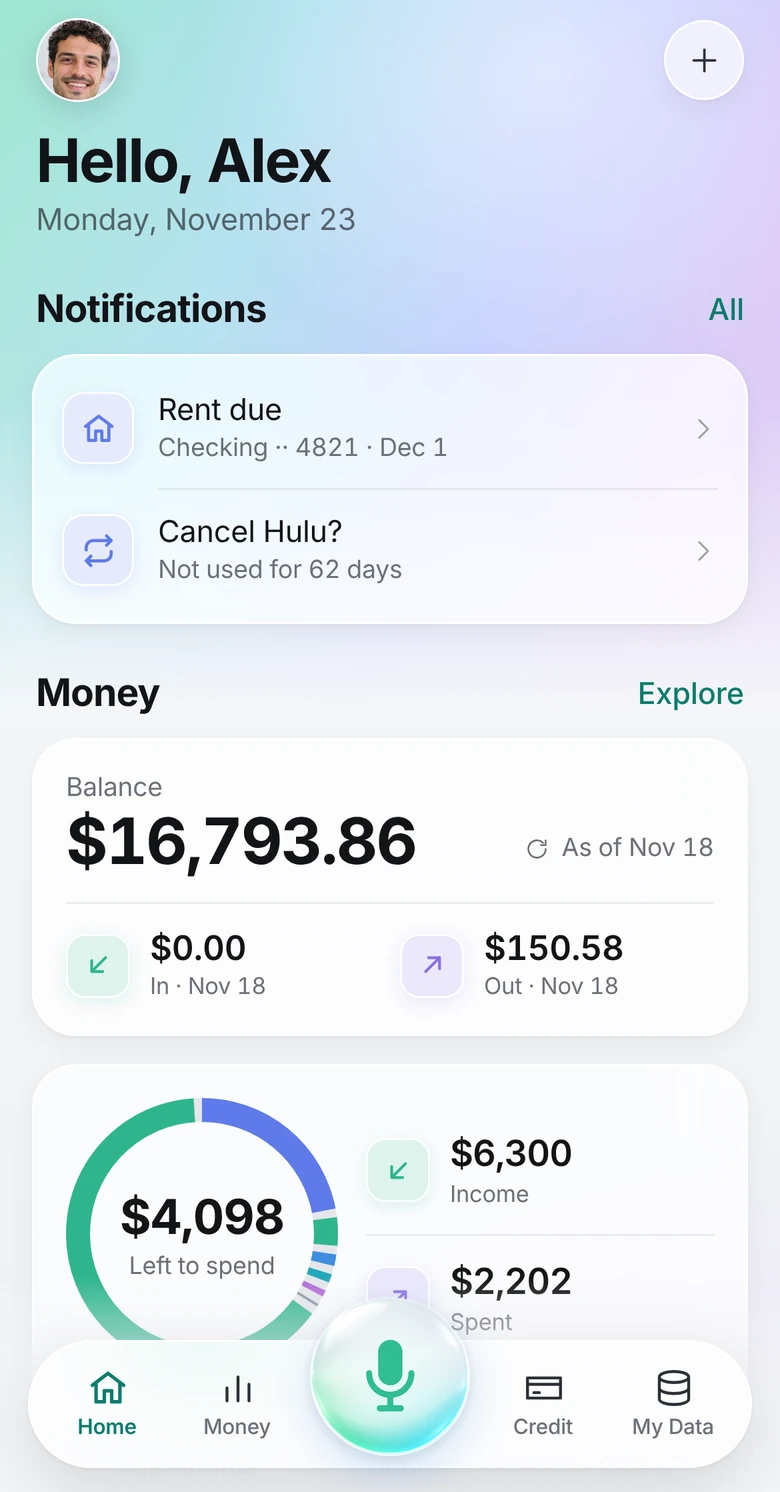
Seven answers.
One phone.
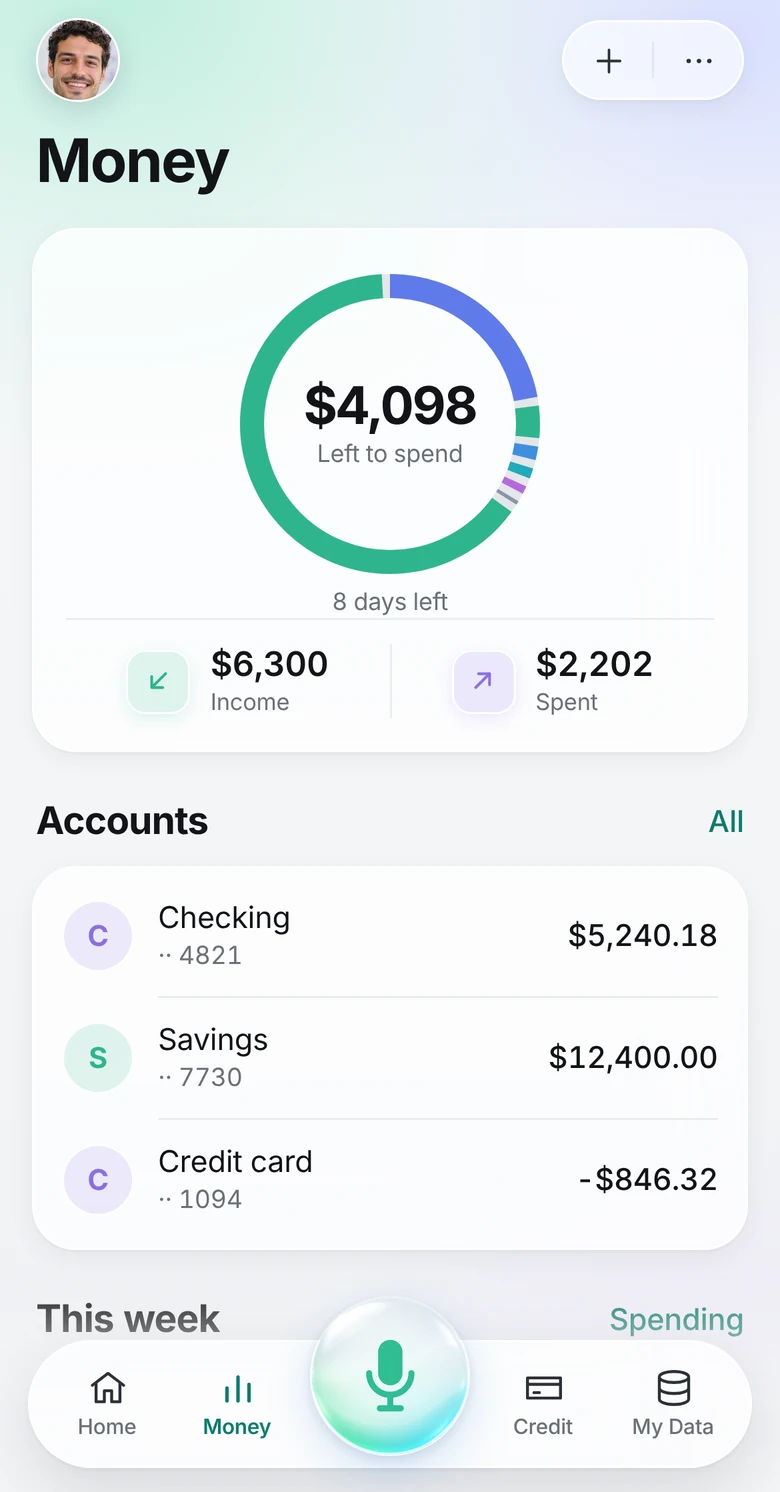
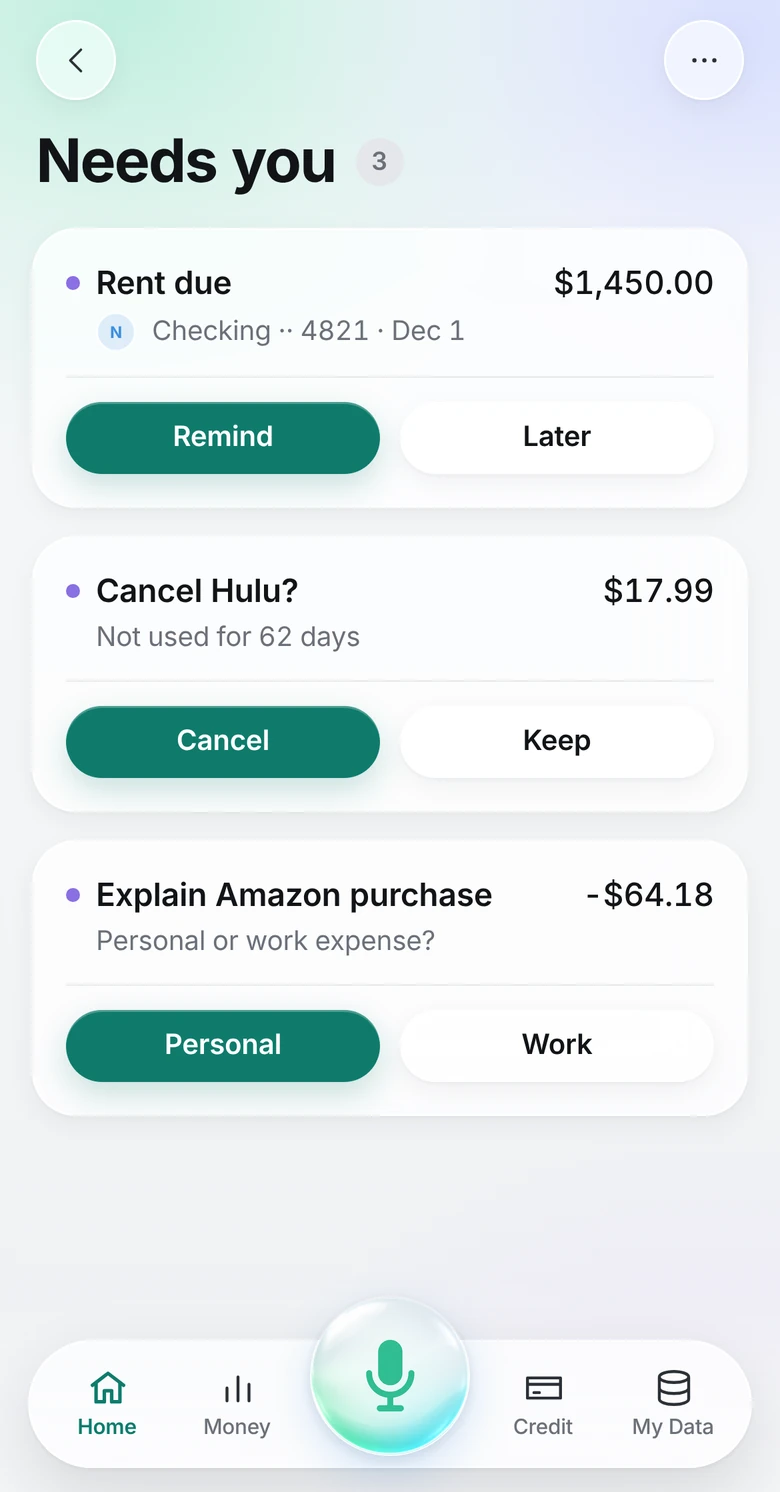
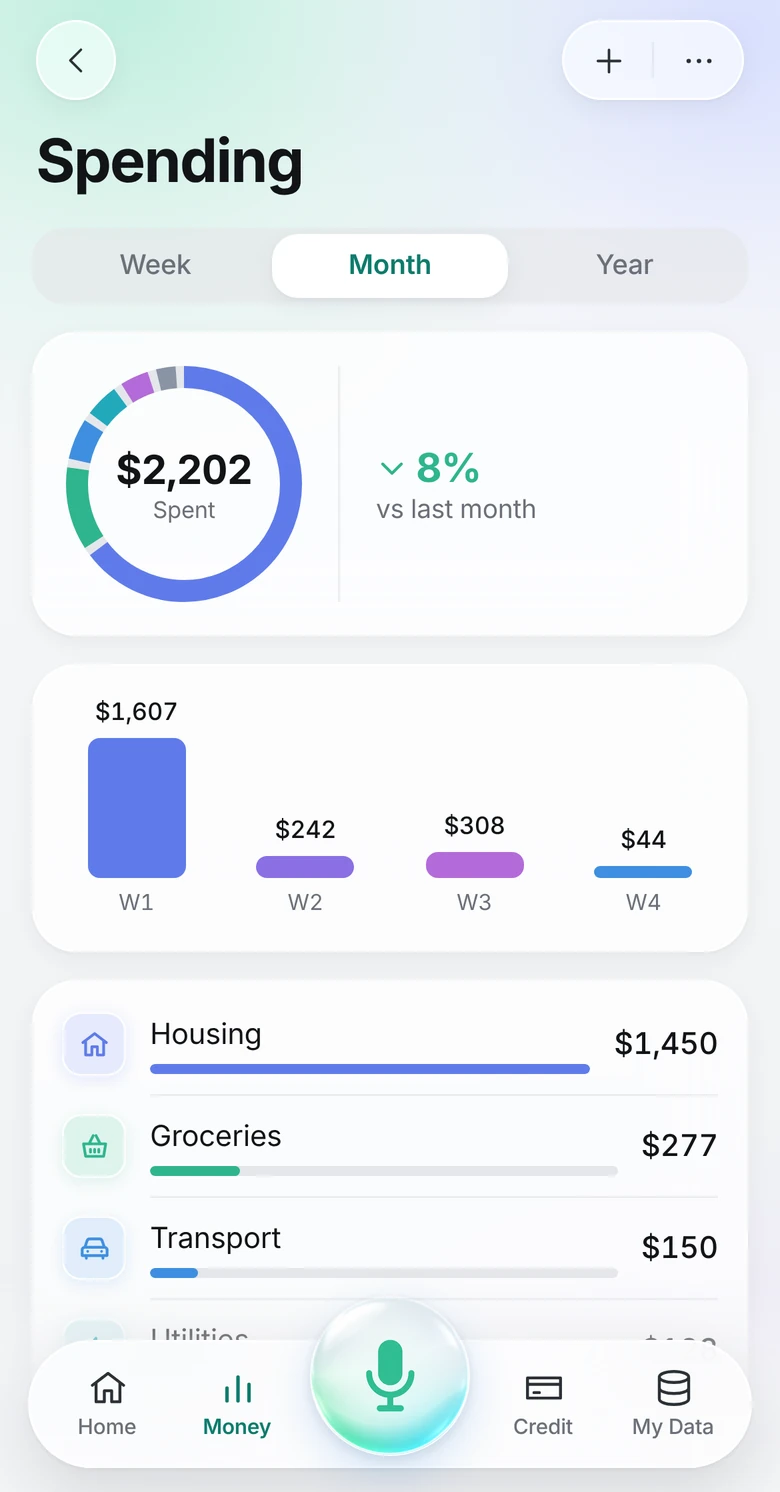
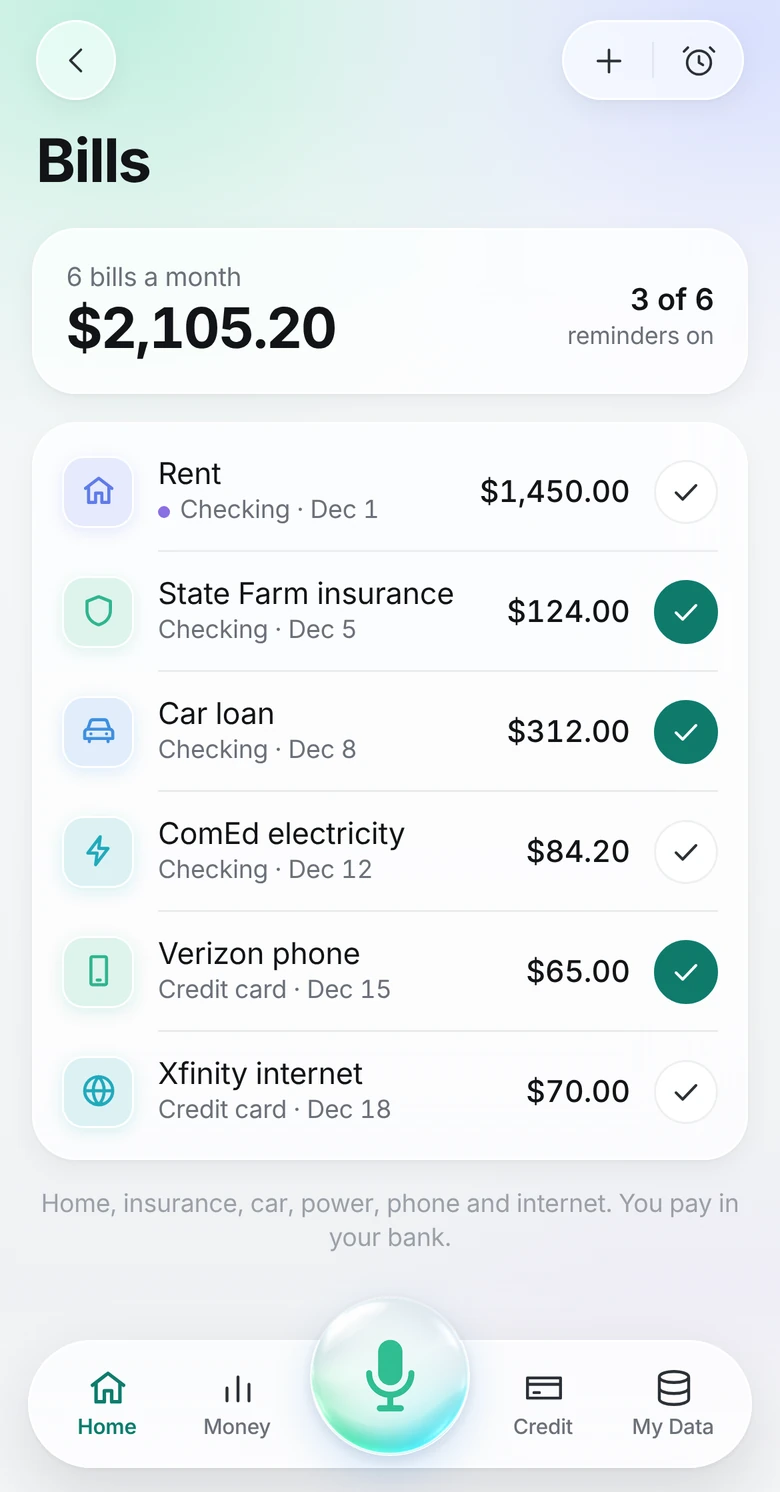
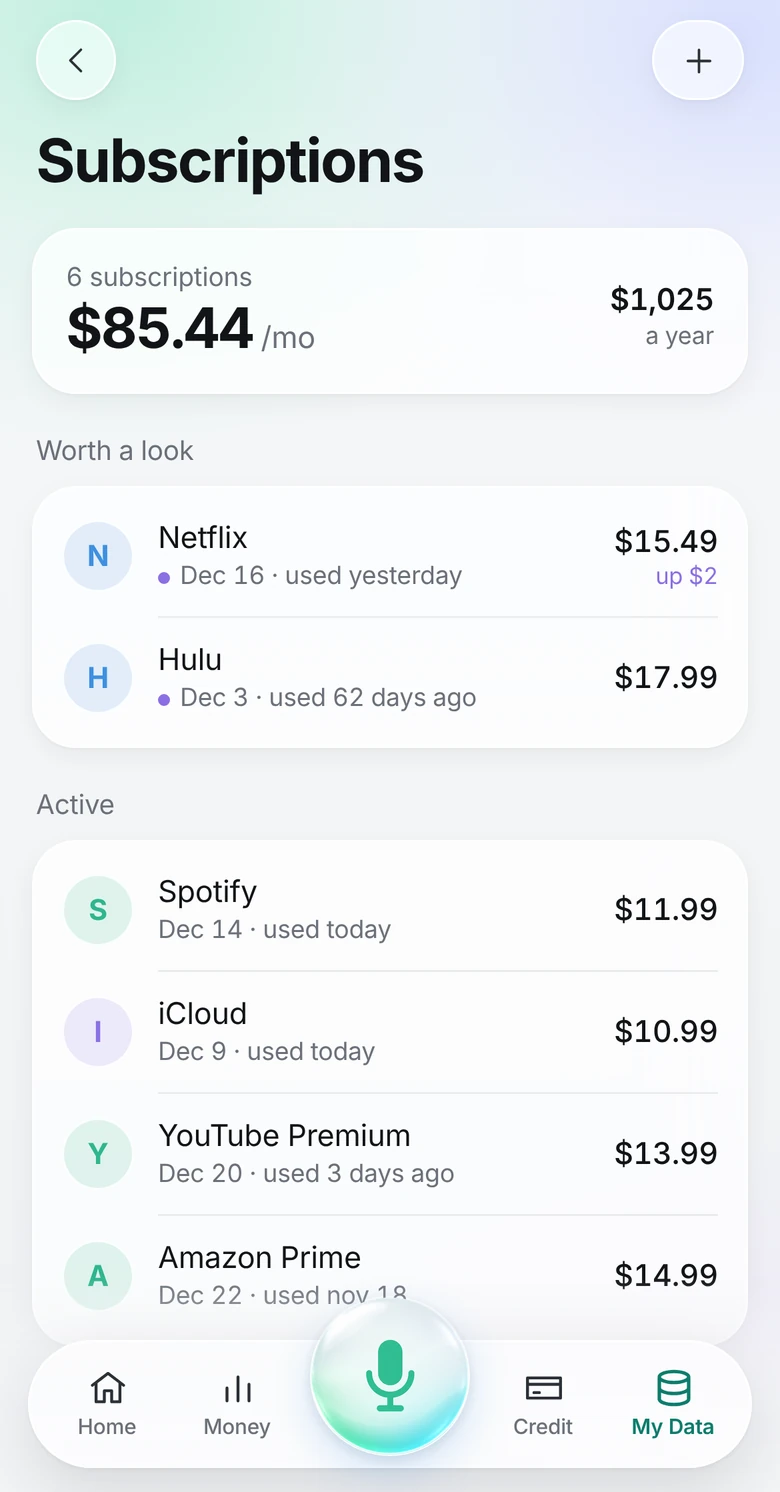
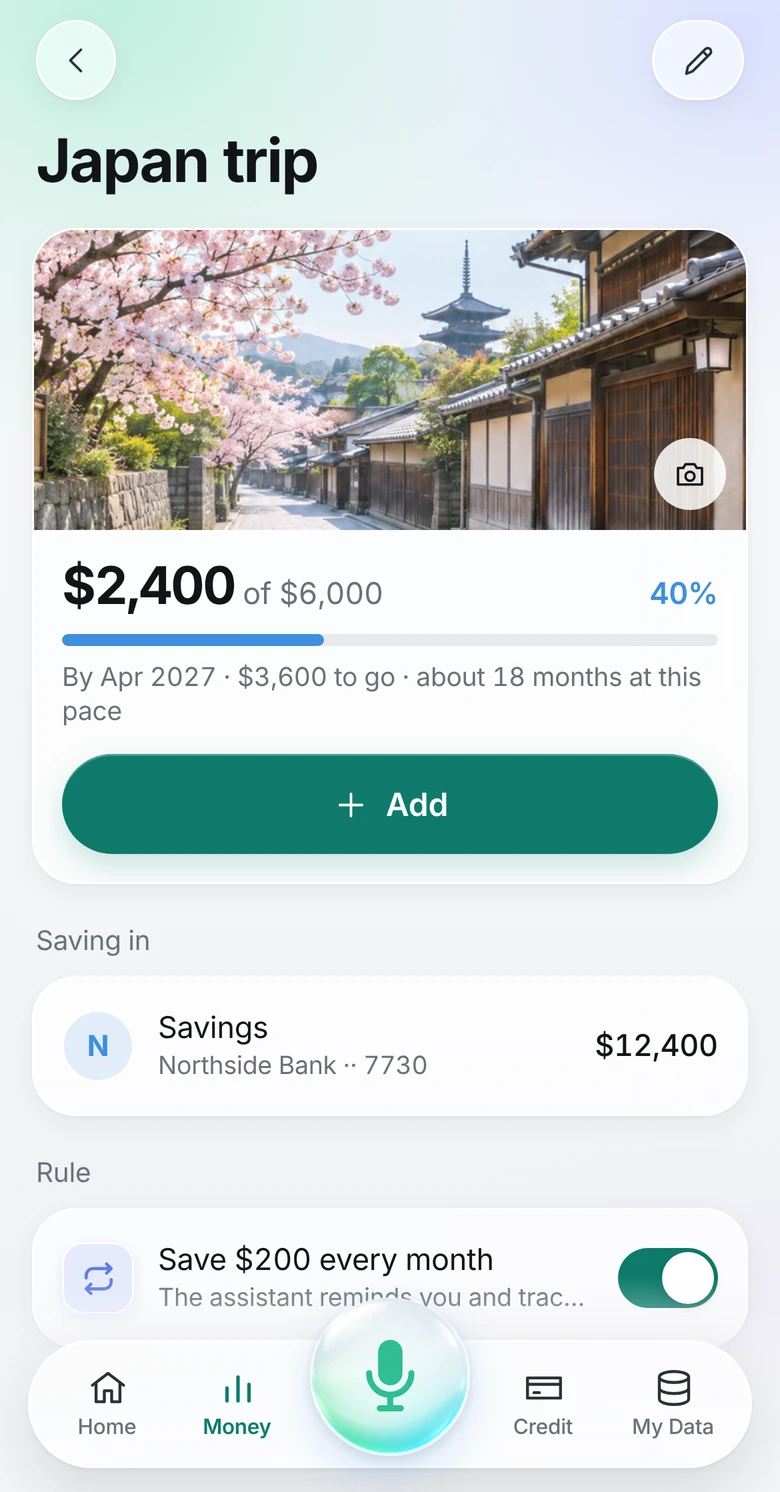
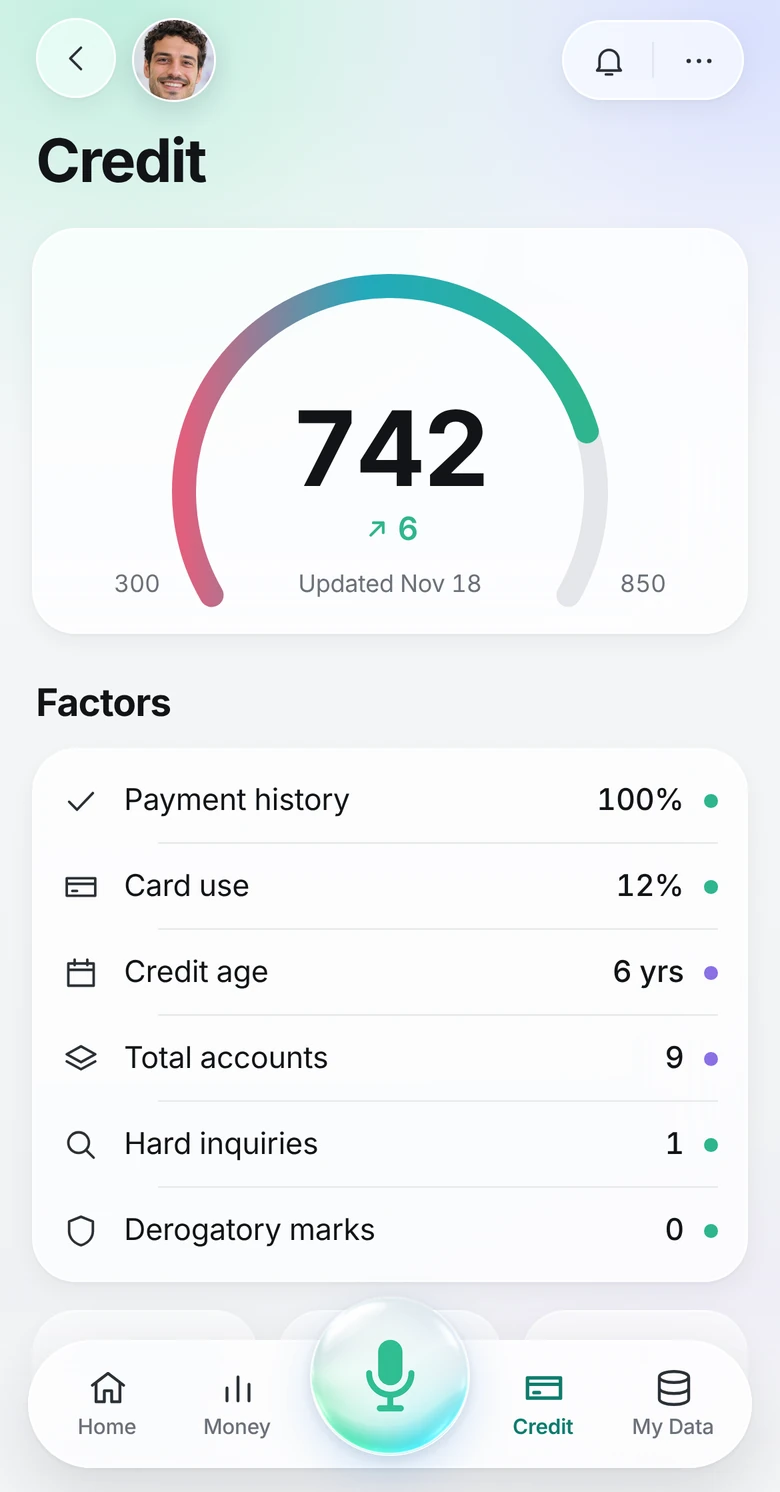
Every screen.
Look around.
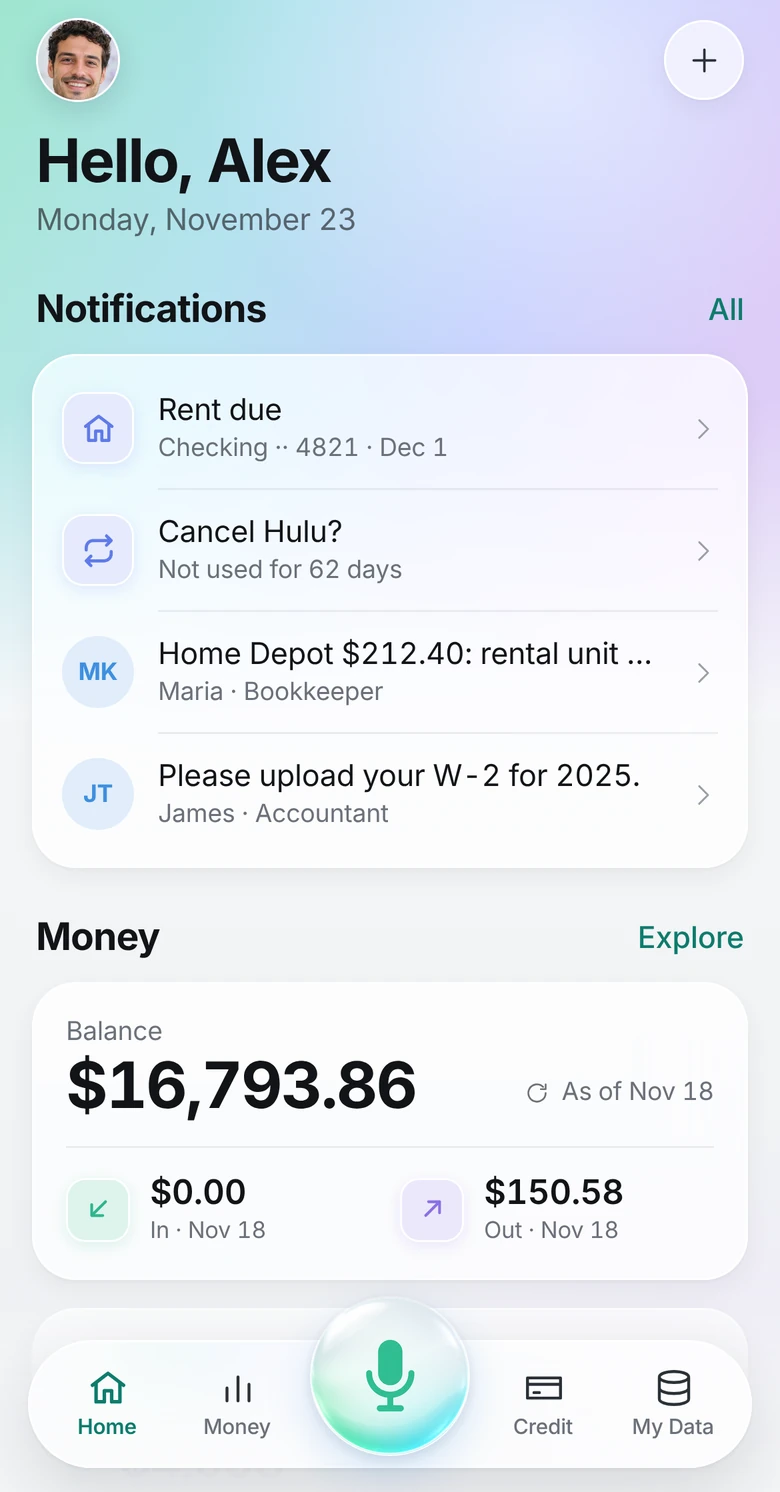
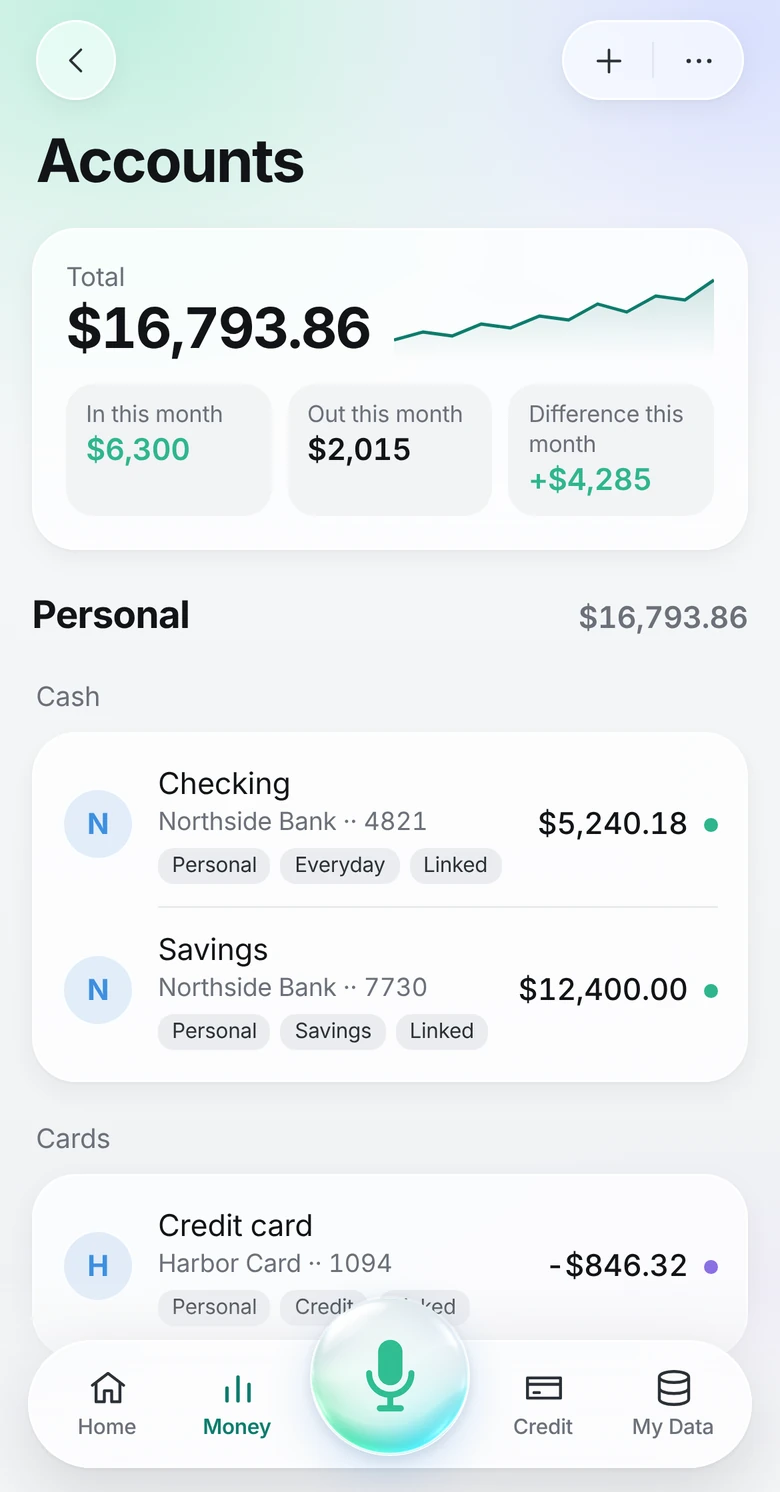
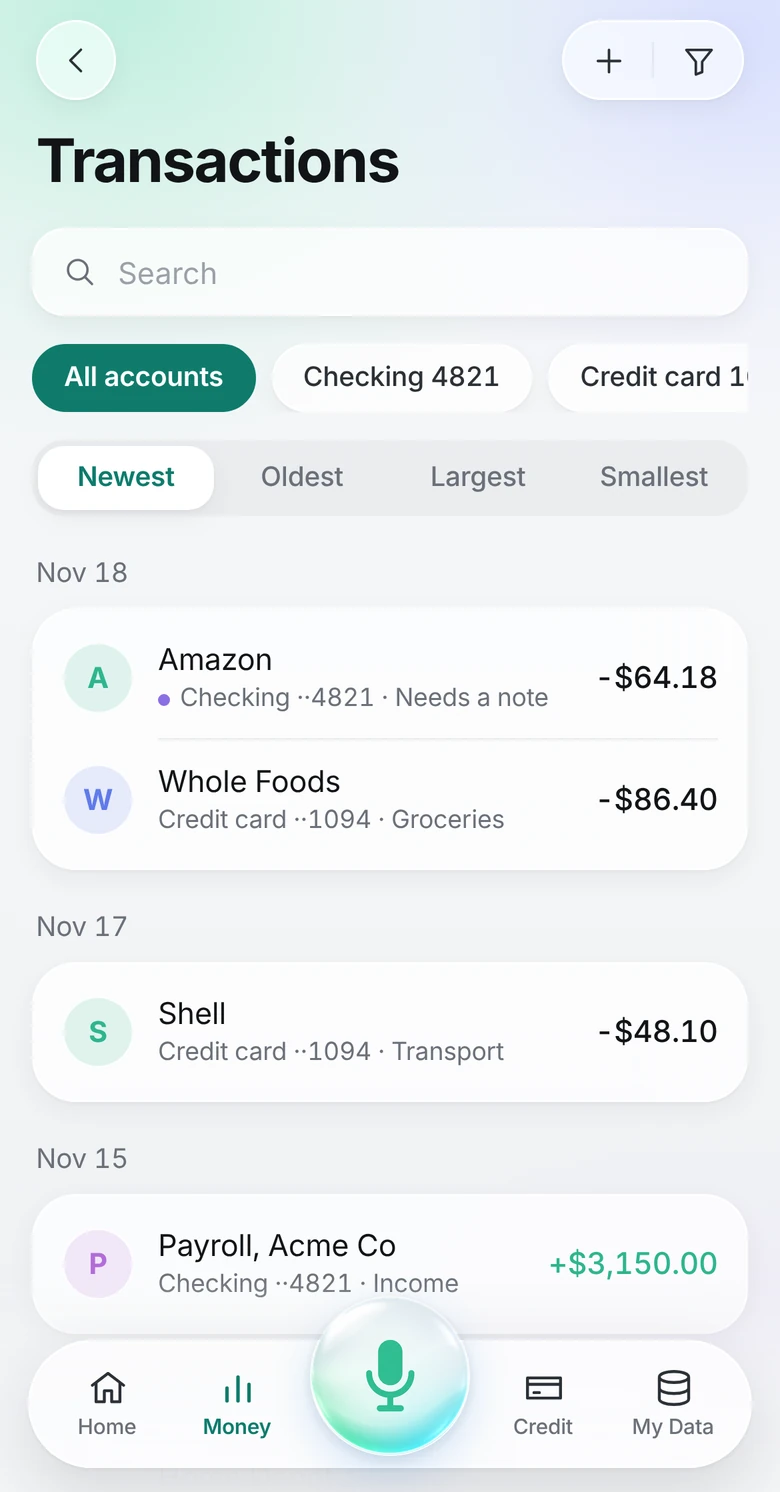
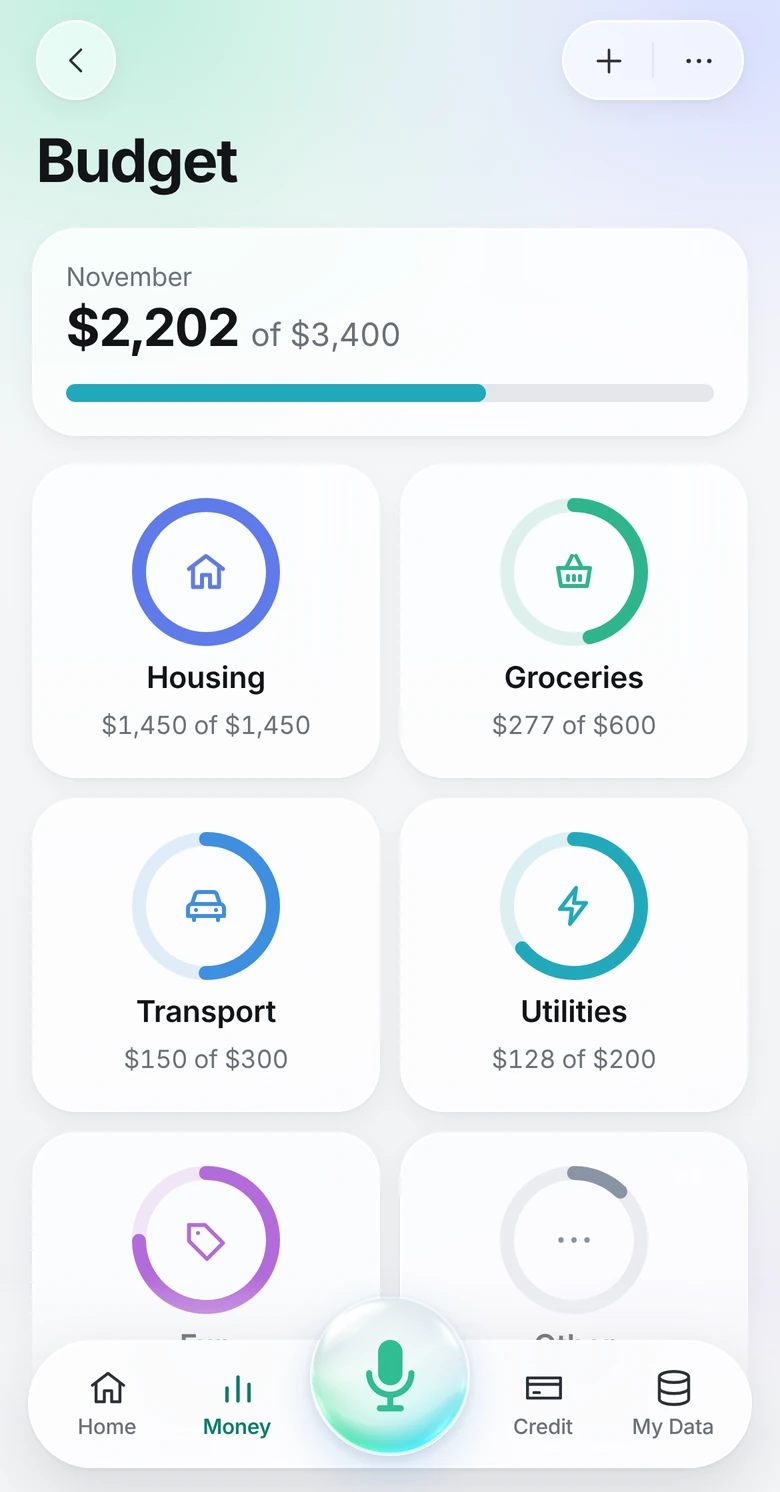
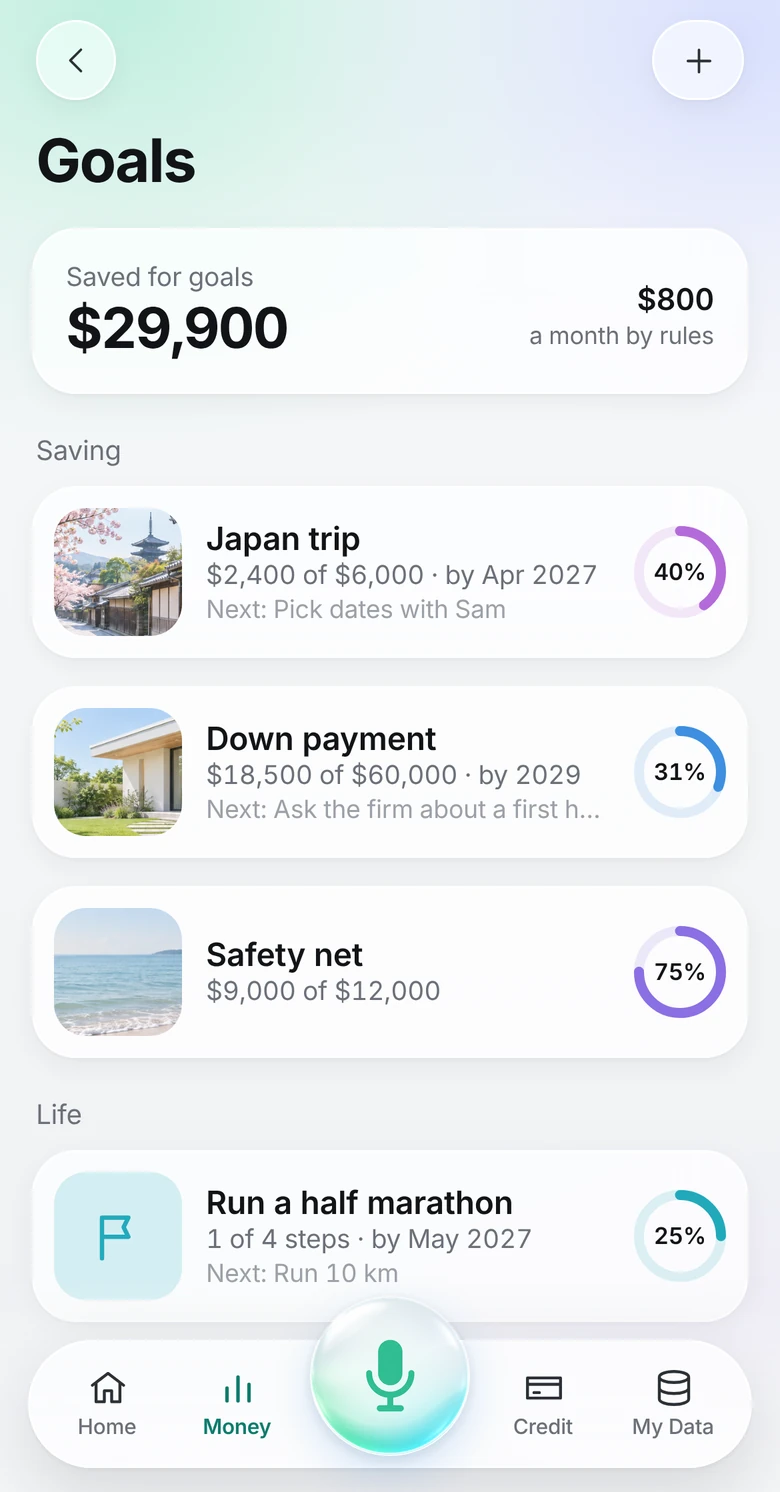
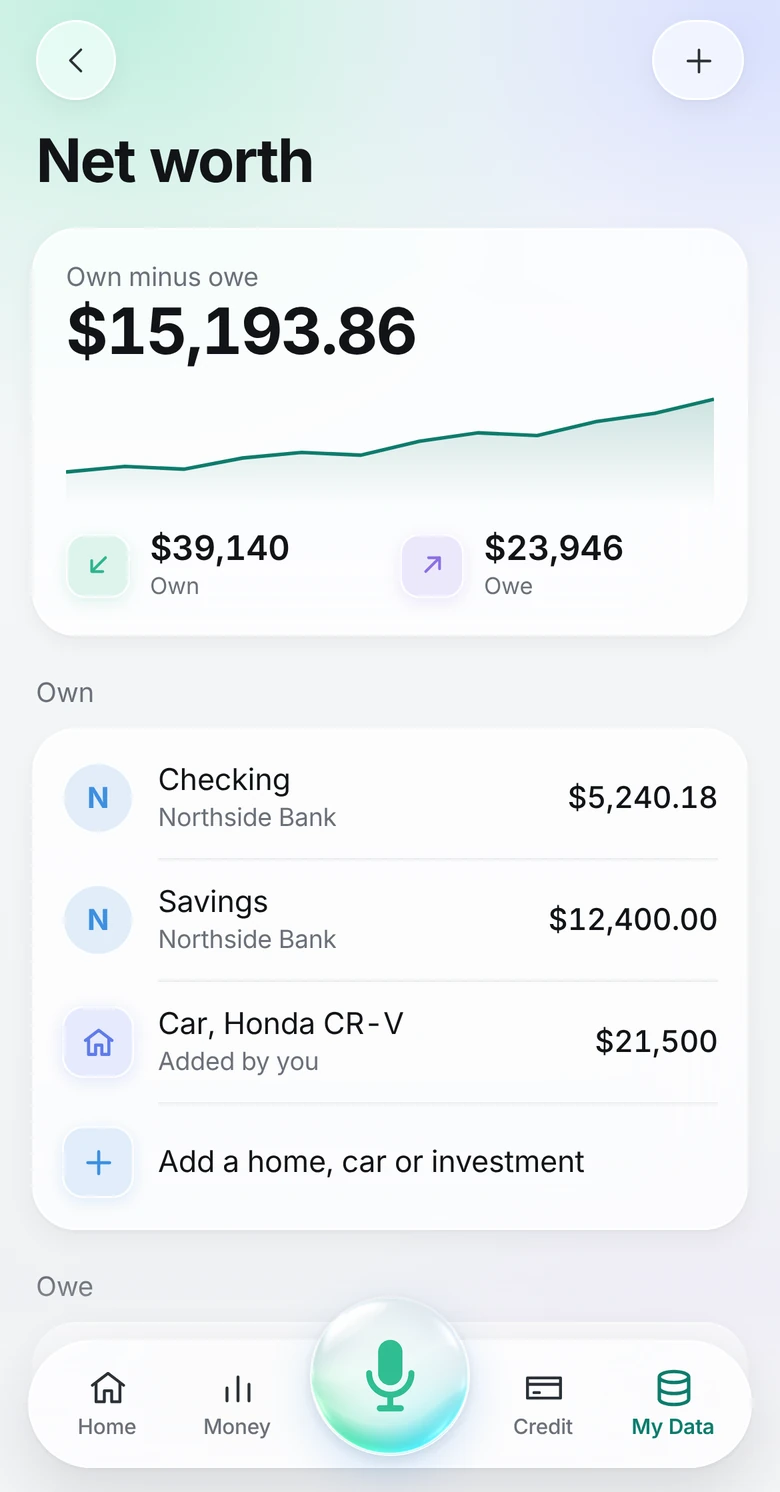
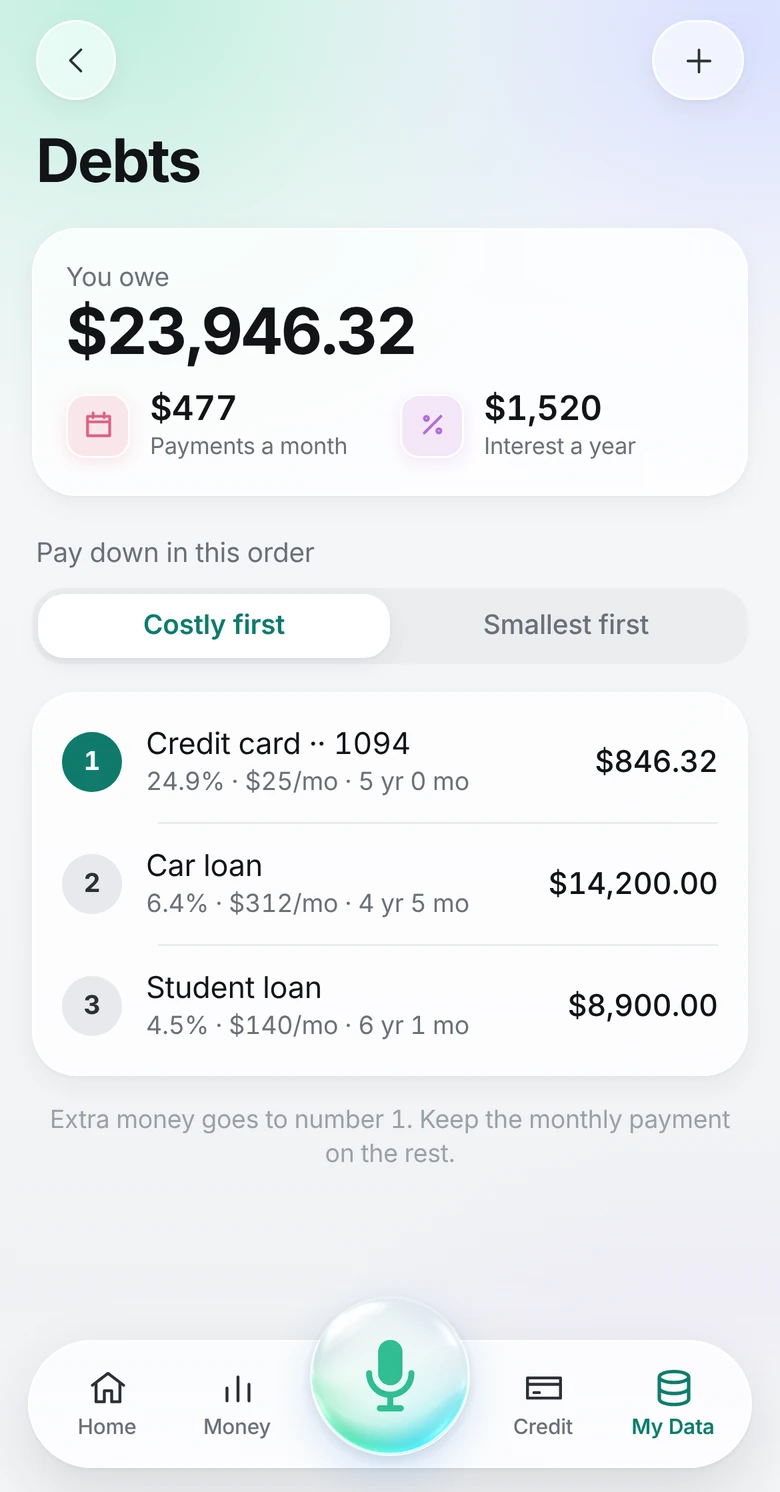
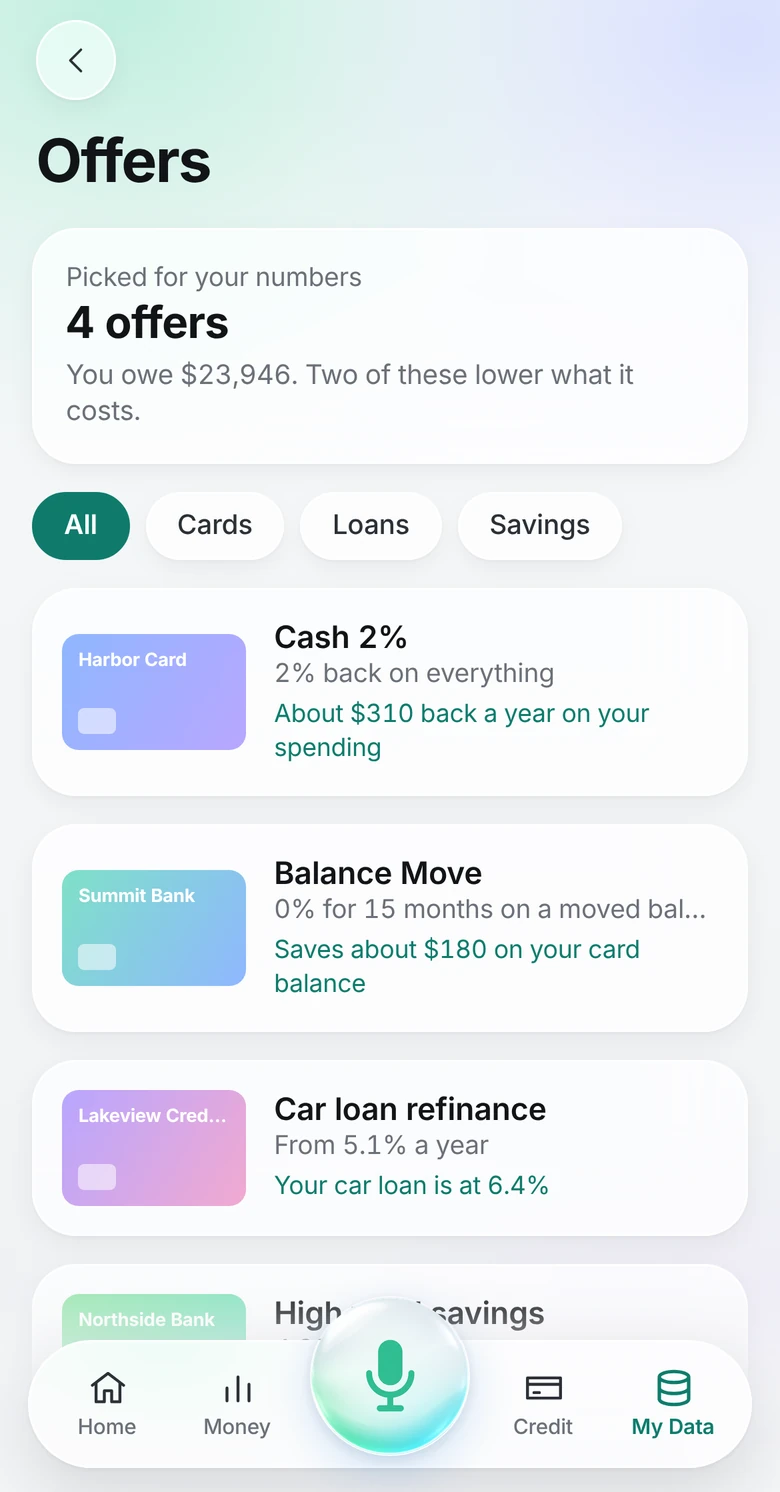
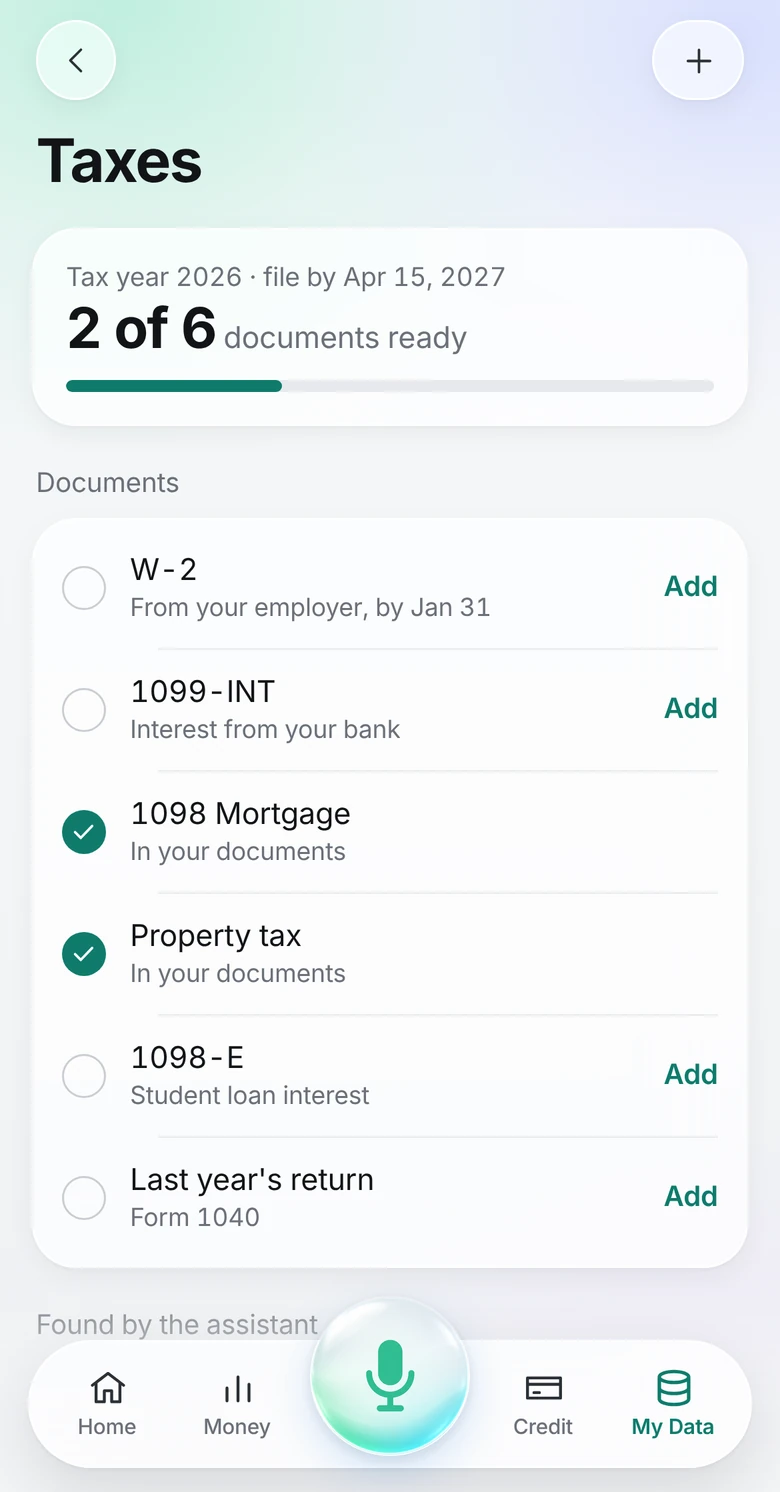
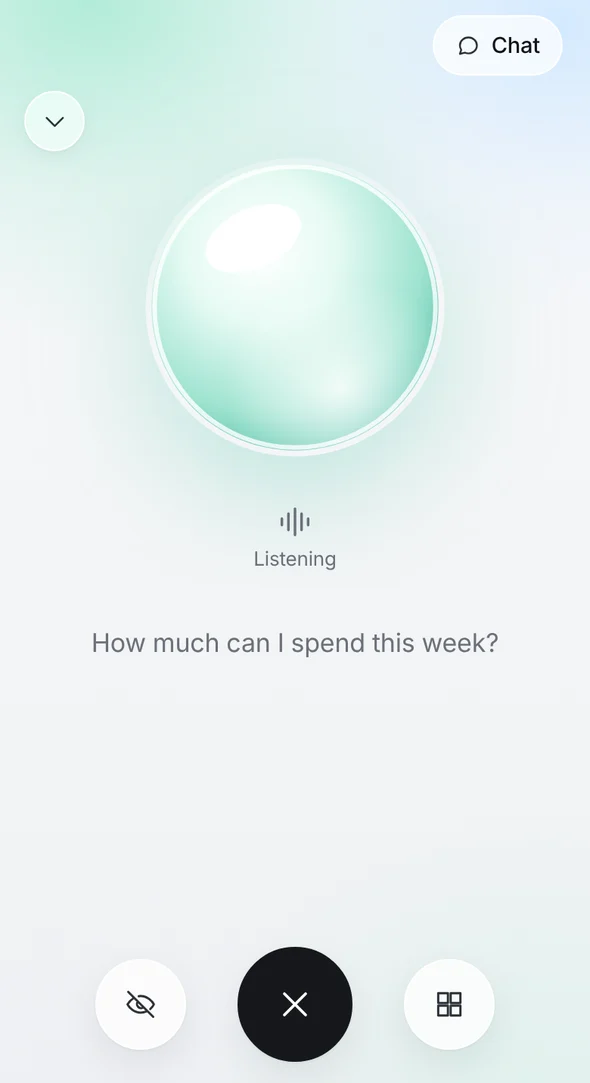
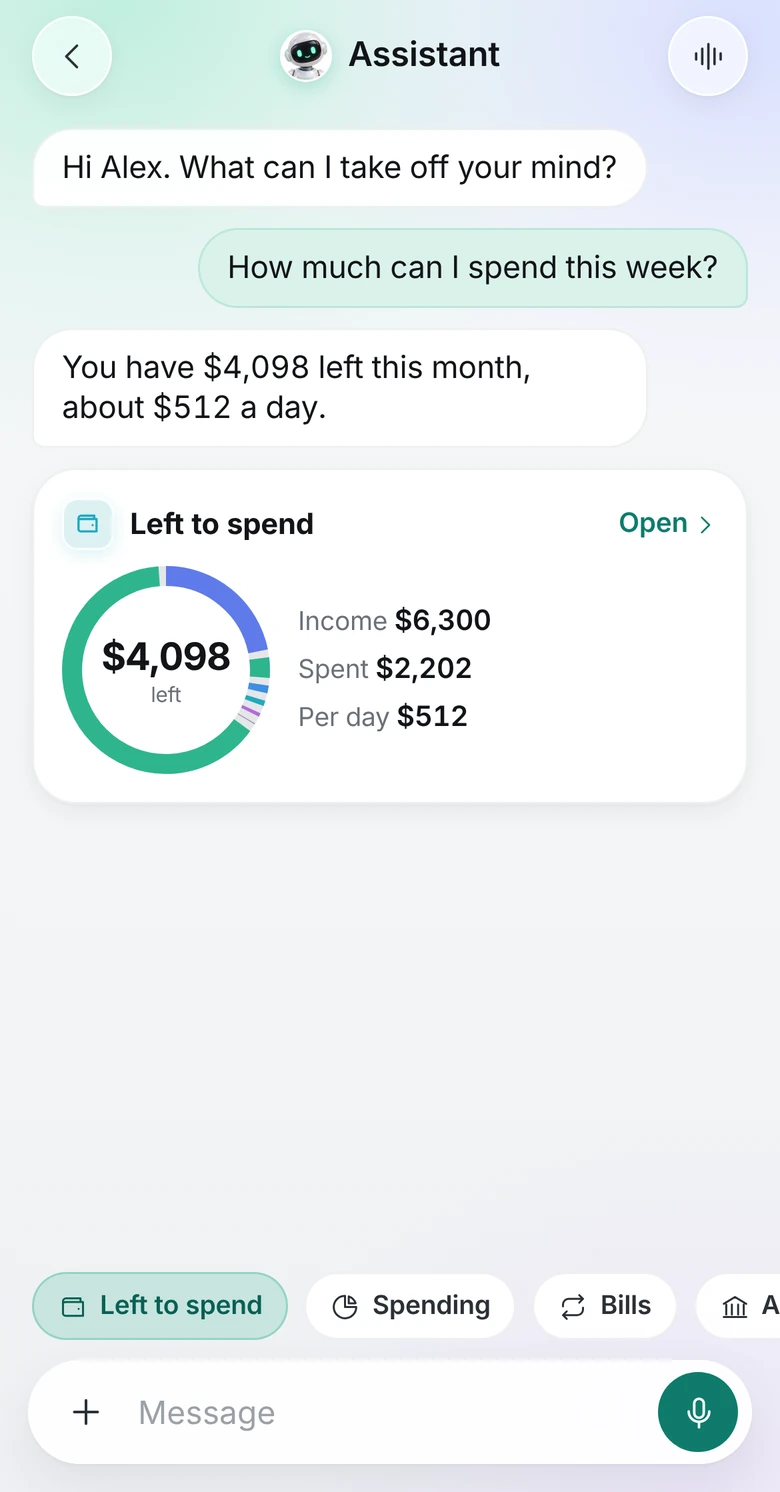
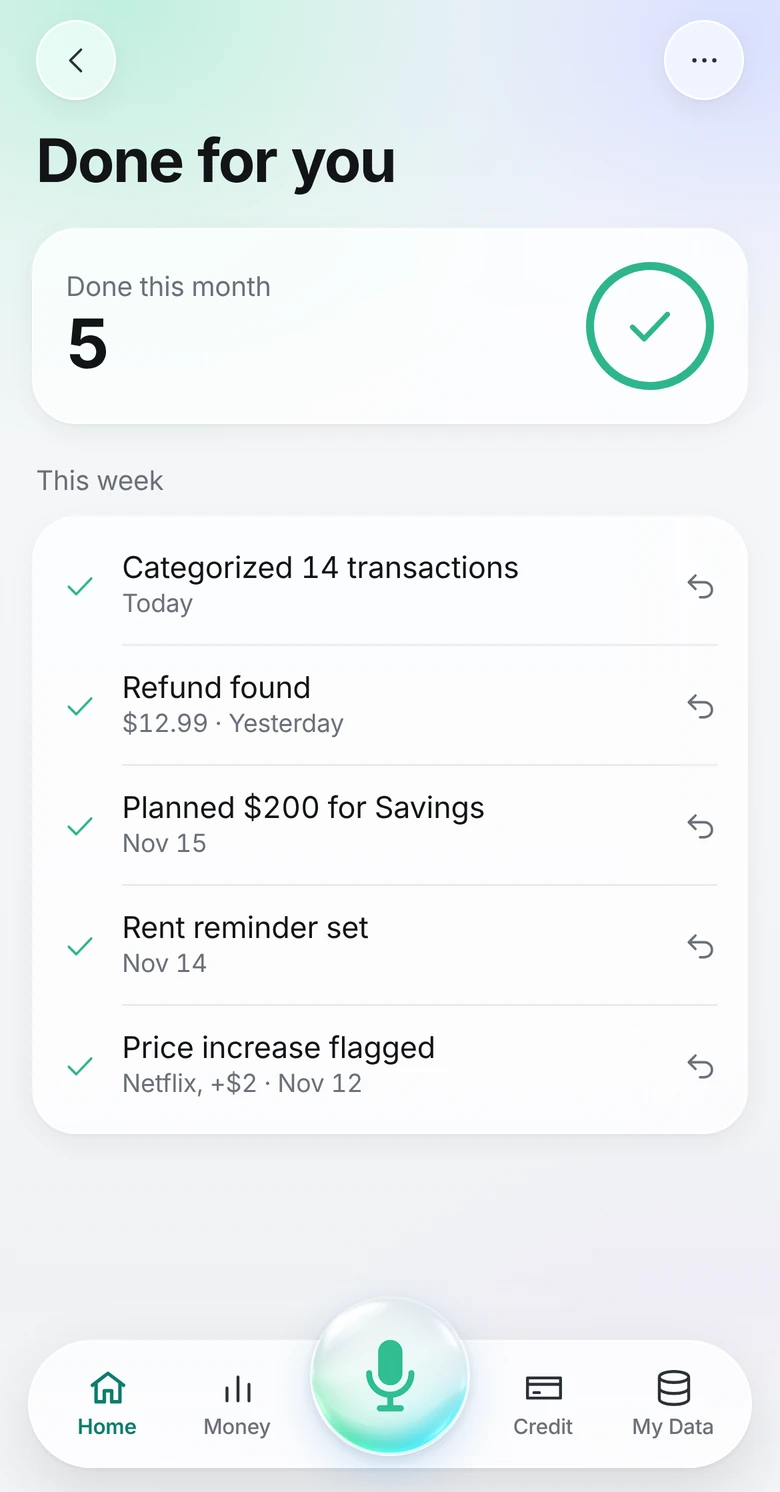
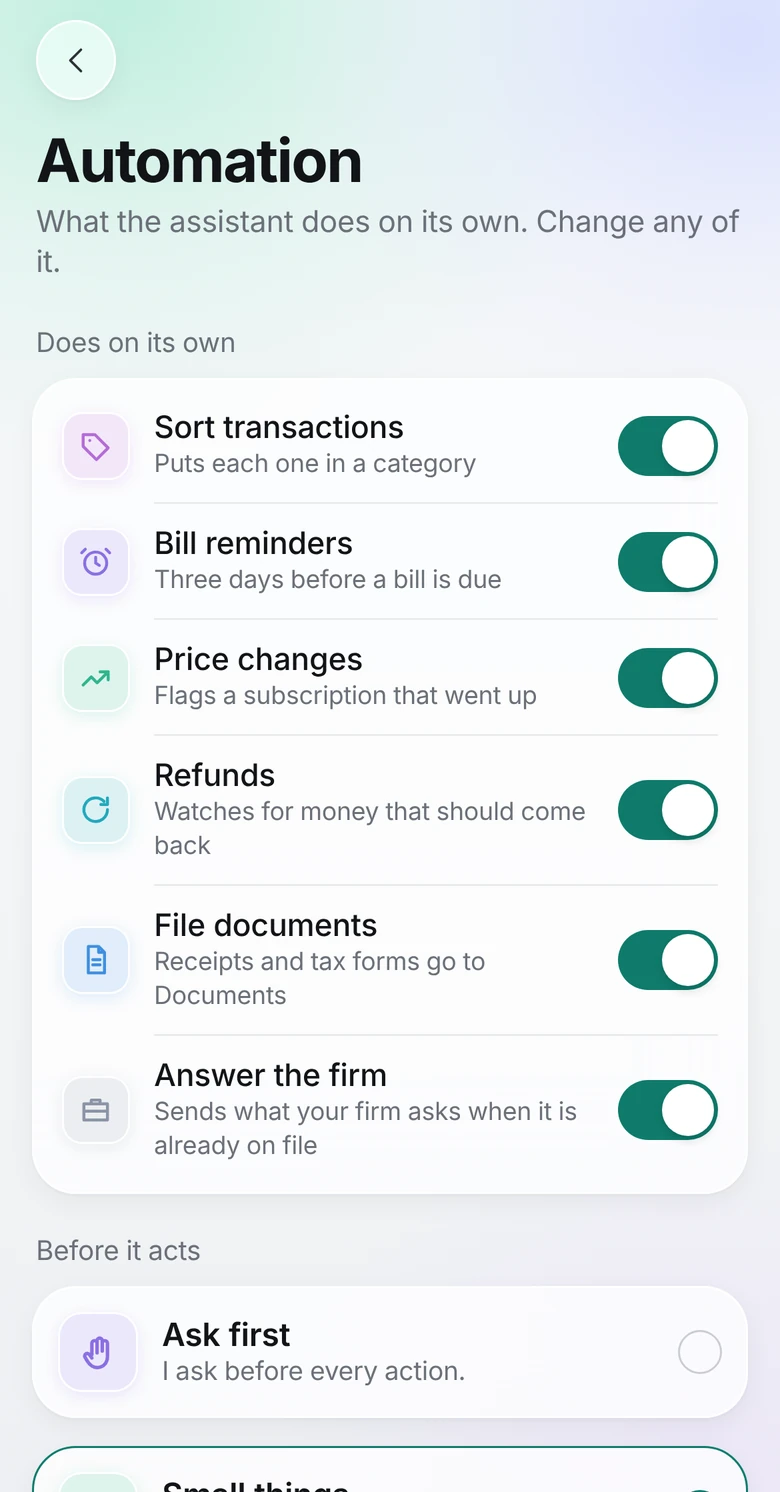
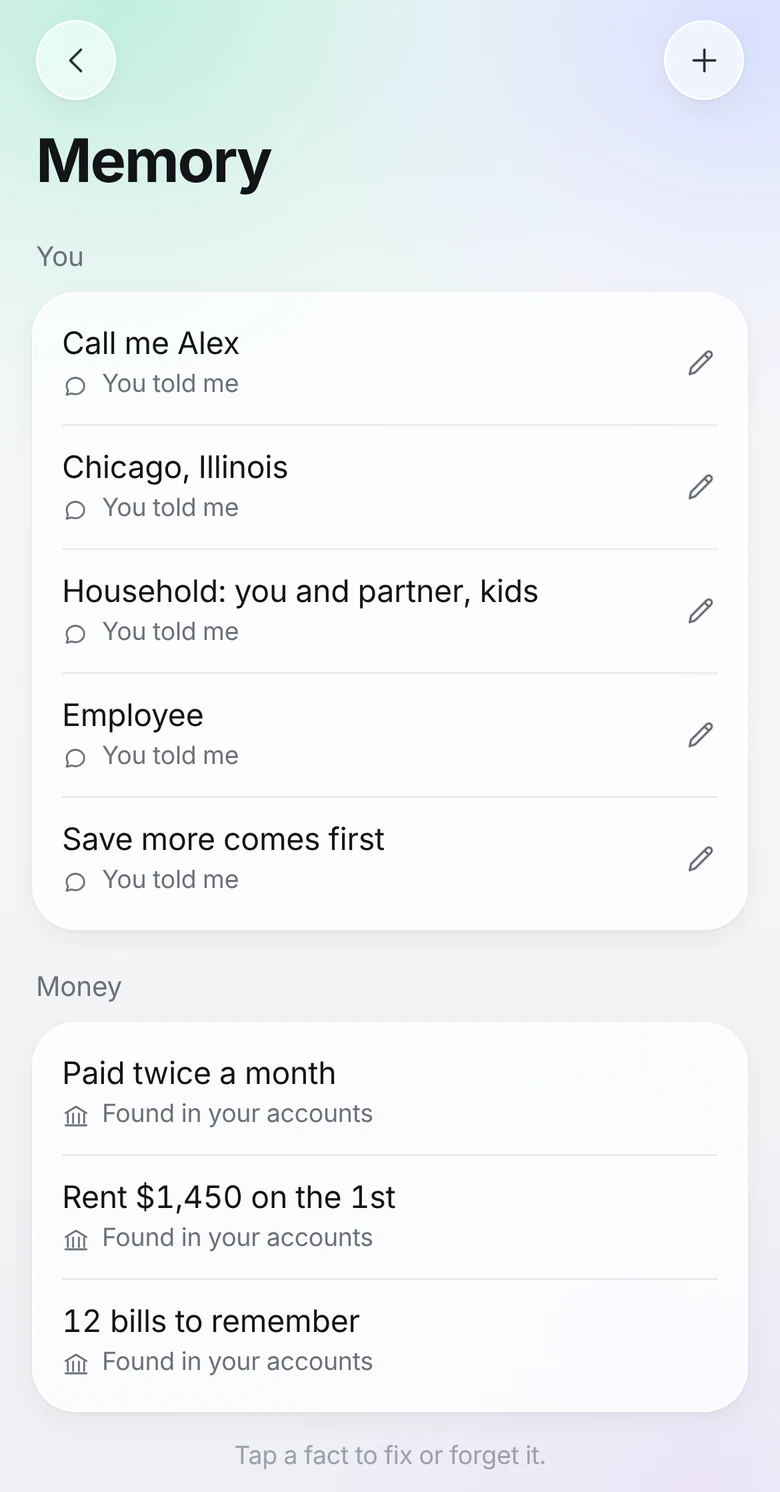
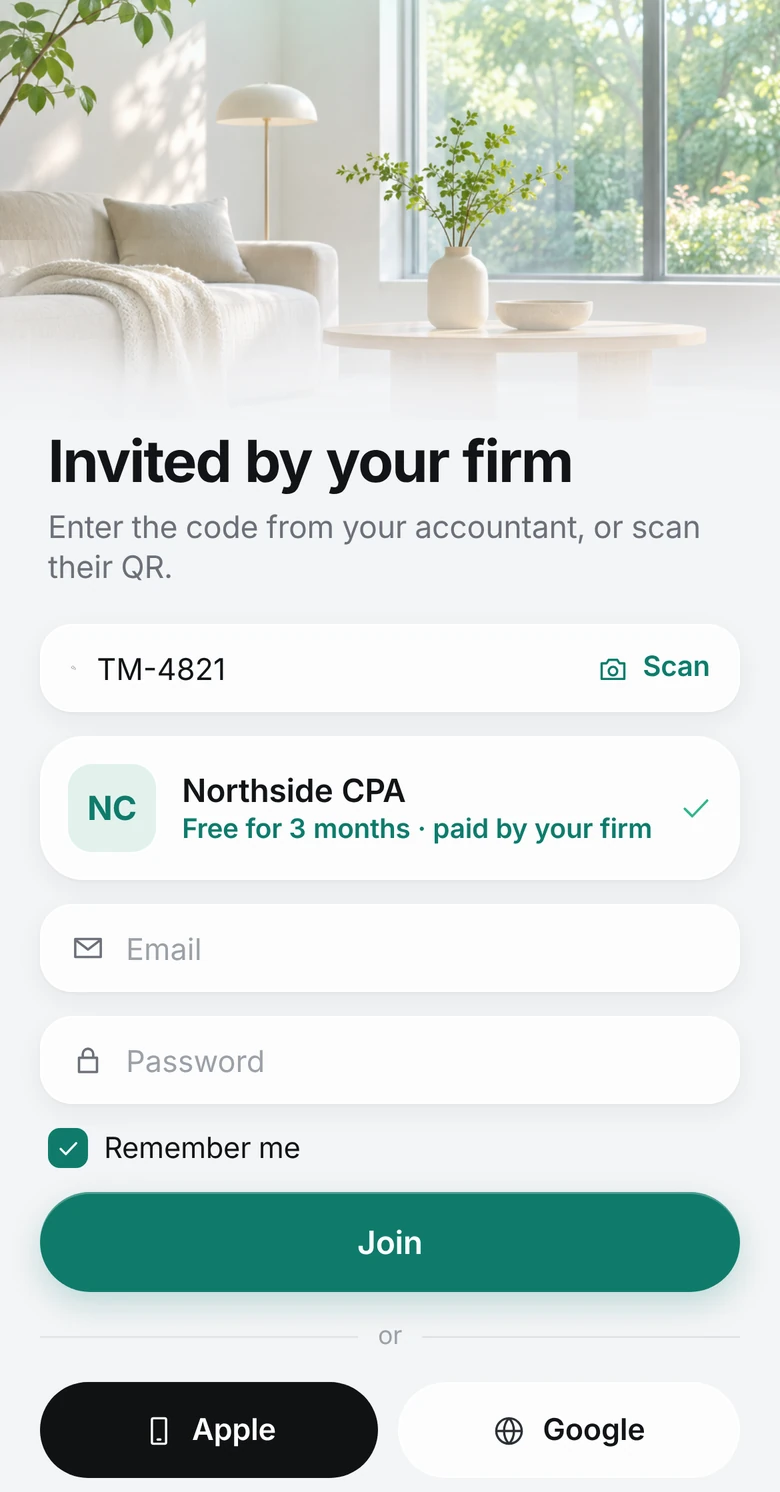
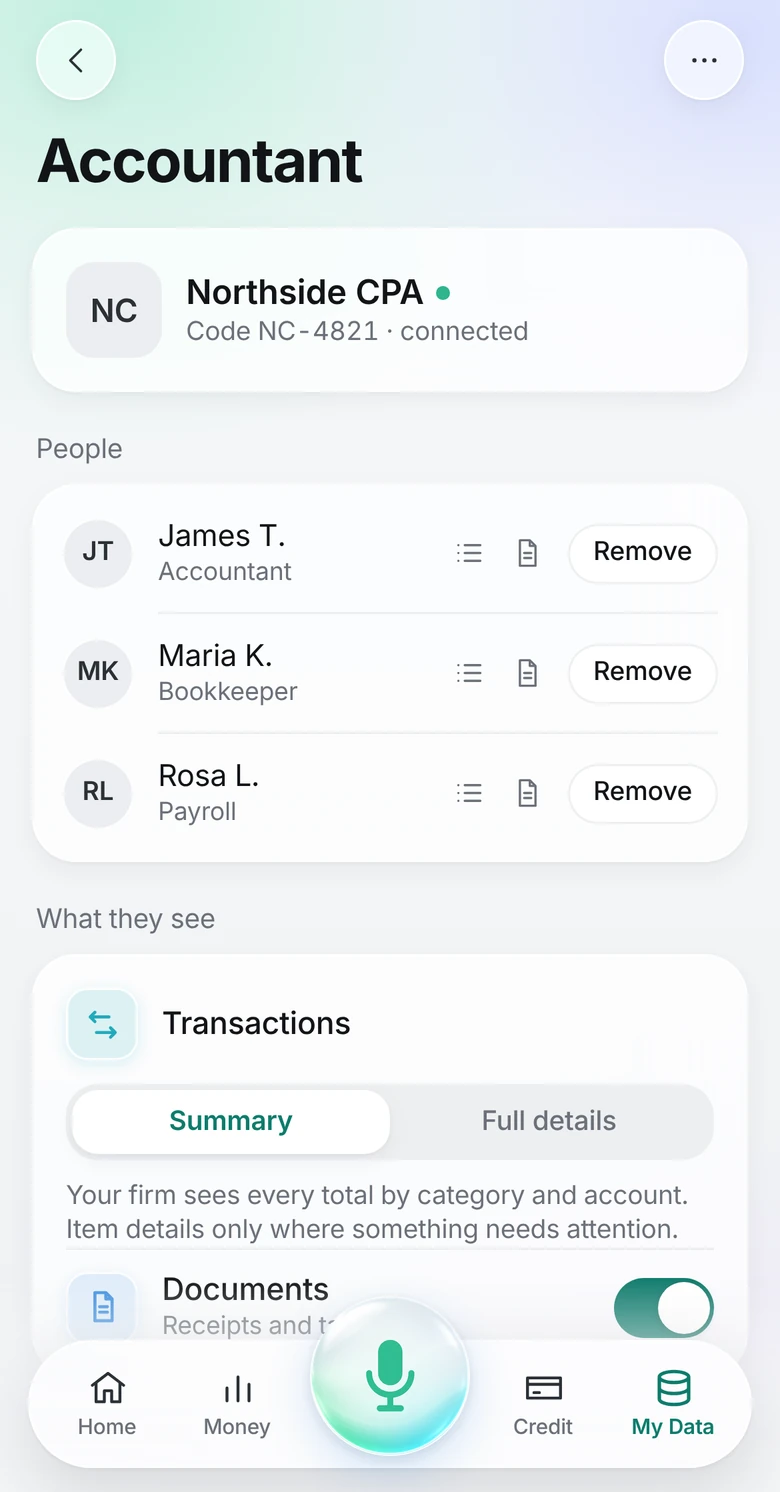
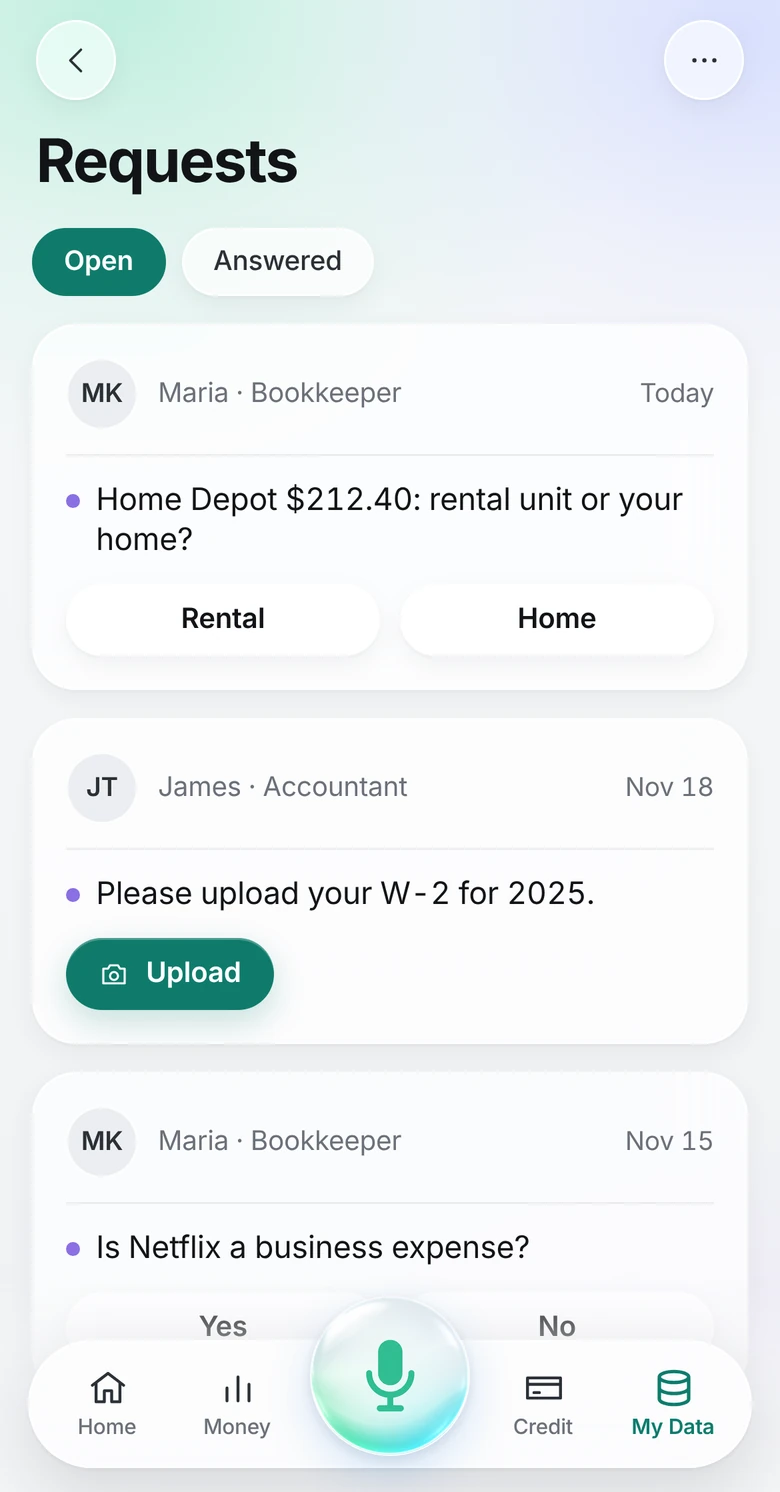
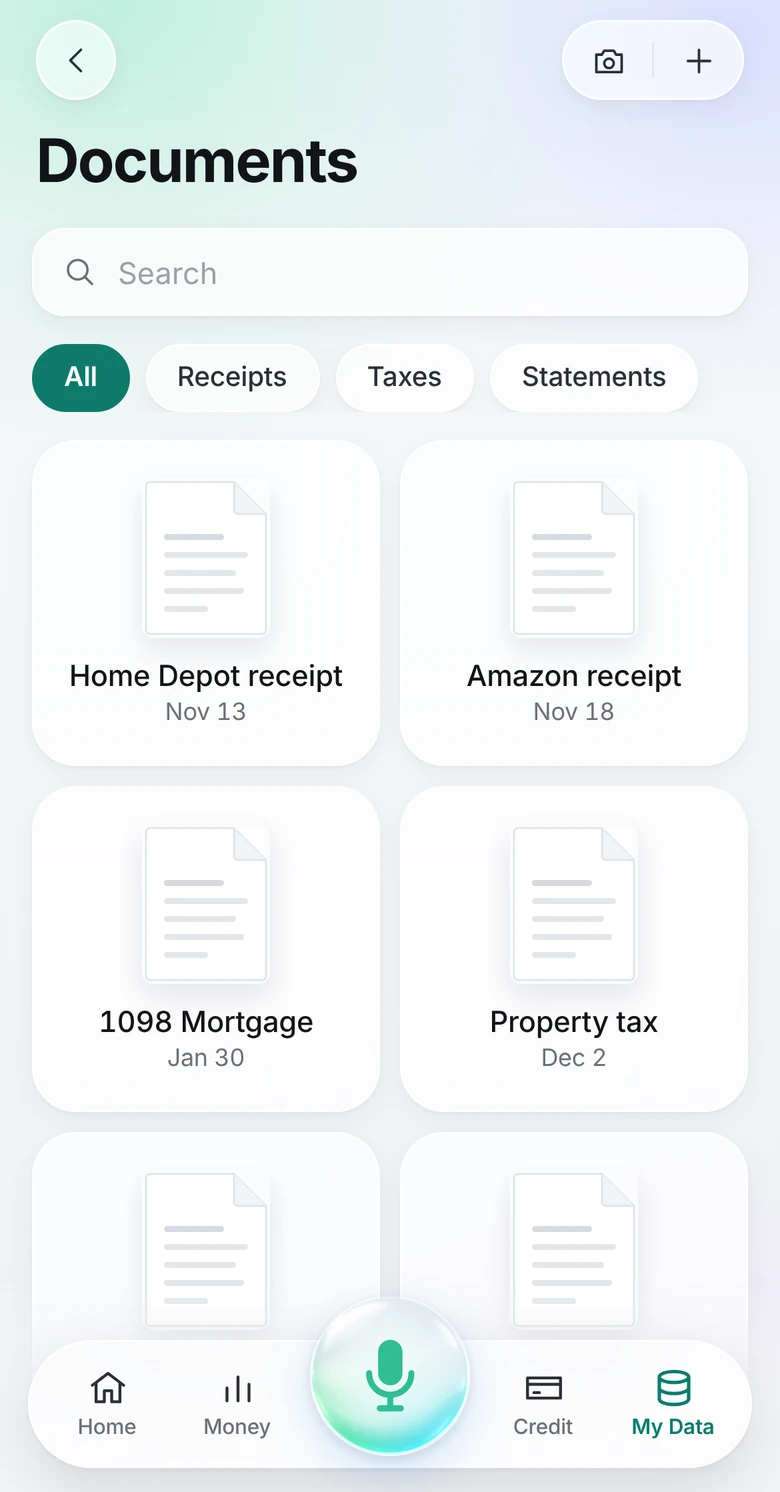
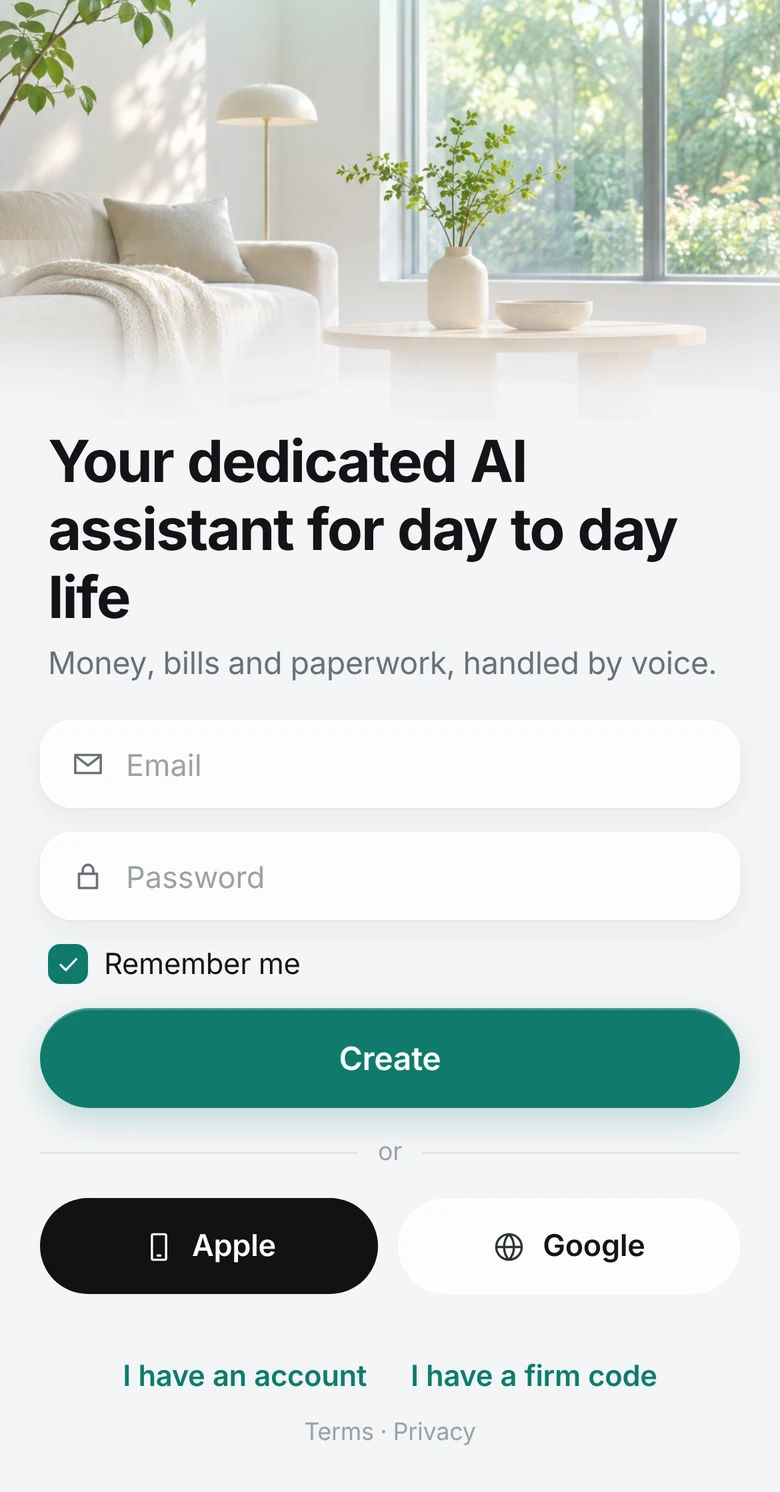
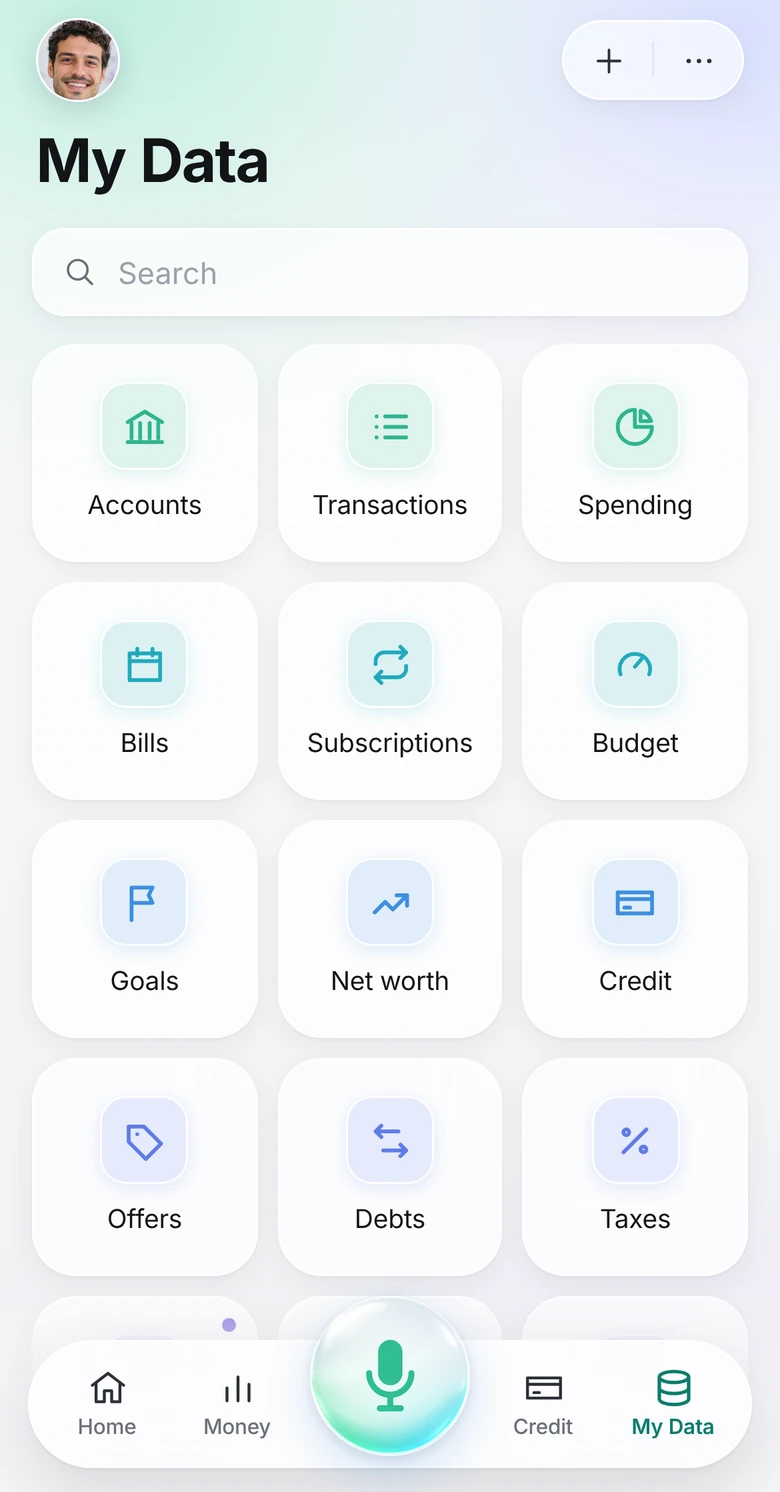
Just ask.
It already knows.
The assistant sits in the middle of every screen. Ask out loud, or type. It answers with the amount, the date and the account.
Bring your firm in. On your terms.
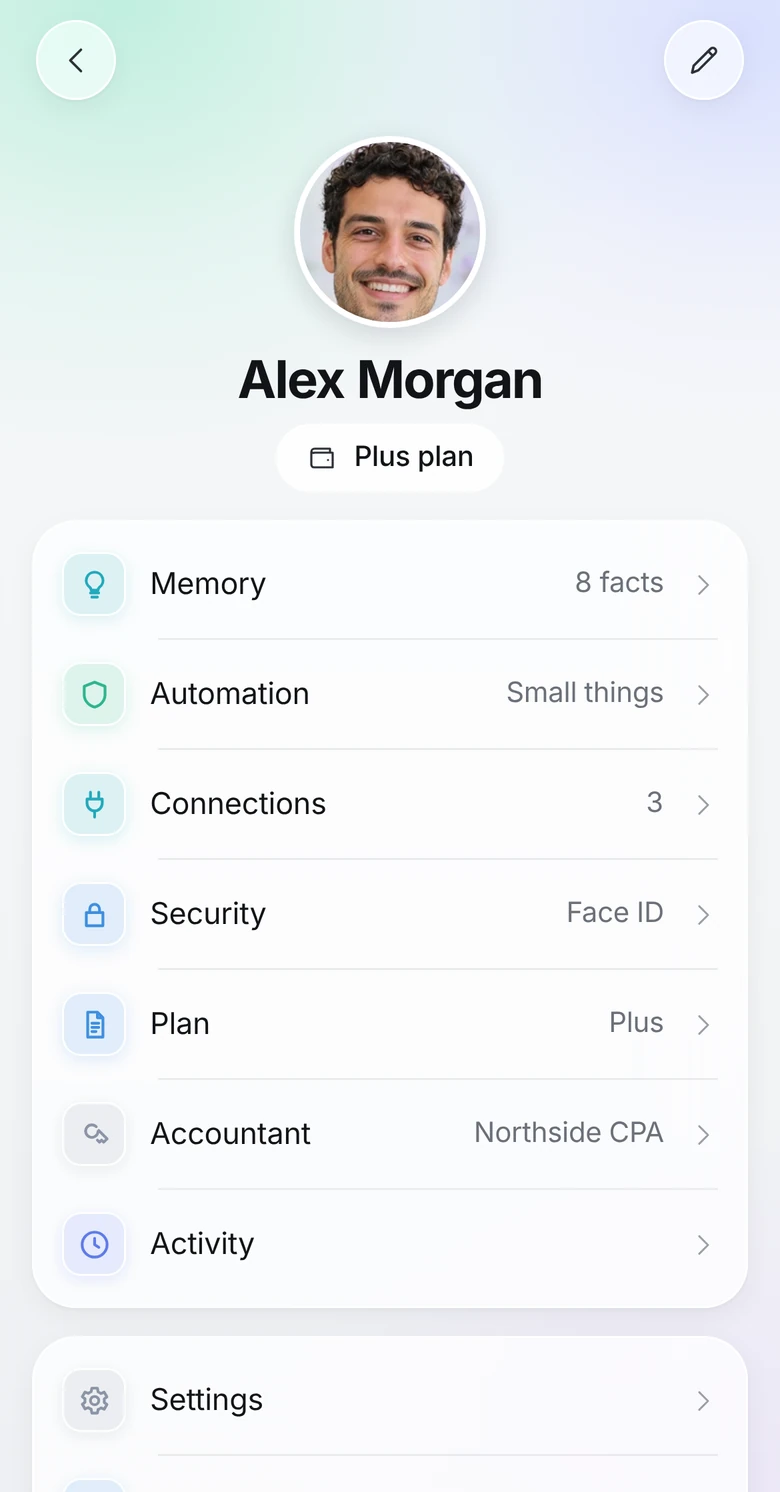
Scan the QR at their desk or type the firm code. Choose Summary, totals by category, or Full details. Their questions arrive as a tap, and you see every time they look.
- Join by QR or by code
- Summary by default
- Who looked, and when
- Remove the firm in one tap
Your money stays yours.
HiKit only reads.
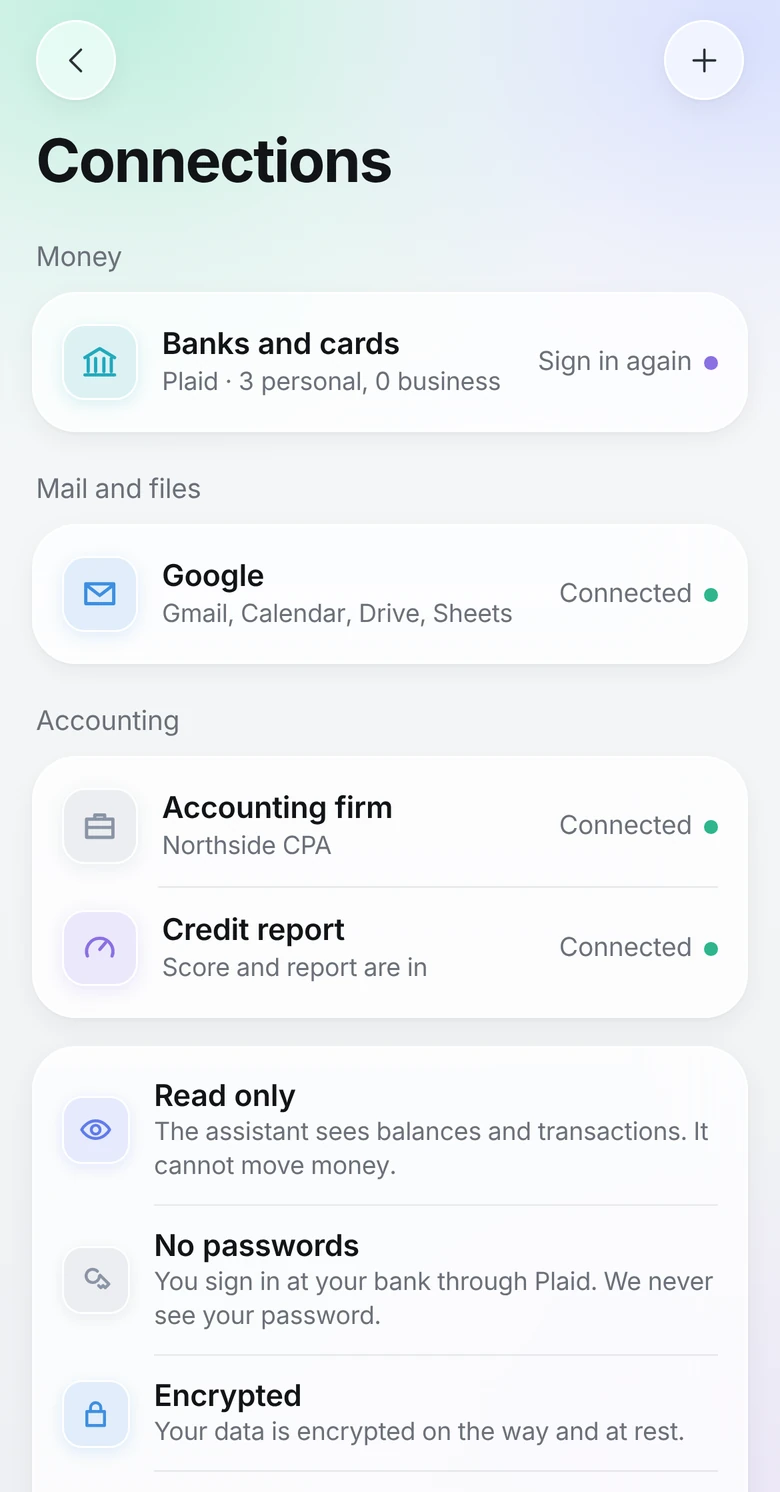
Read only
Banks connect through Plaid. HiKit sees balances and transactions. It cannot move money.
No bank passwords
You sign in at your bank. Your bank never shares your password, and HiKit never sees it.
Encrypted
Data is encrypted on the way and at rest.
You decide
Nothing changes without your tap.
Every look is logged
When your firm opens your data, you see who, what and when.
Revoke in one tap
Remove your firm or disconnect a bank. Access ends right away.
✓HiKit can
- Read balances and transactions
- Sort purchases and find bills
- Remind you and take you to the right page
- Share totals with your firm, if you say so
×HiKit cannot
- Move, send or pay money
- See your bank password
- Open new accounts or credit
- Show your firm details you did not share
Payments from inside HiKit may come later through a licensed payments partner. If they do, each one will need your approval first.
Good to know.
Which banks work?
Most US banks, credit unions and card issuers that connect through Plaid. You will see yours in the list when you connect.
Can HiKit pay my bills?
Not today. HiKit reminds you before each bill and opens your bank or the biller's page, where you pay as usual.
Does my accountant see everything?
No. Your firm sees totals by category unless you switch to Full details. Items open only where something needs a look.
Do I have to use voice?
No. Everything the assistant does is also a tap away.
What does it cost?
Today HiKit is open to clients whose firms are already on it. Pricing comes with the public launch.
Ask about
your money.
Open now for a small group of clients whose firms are already on HiKit.